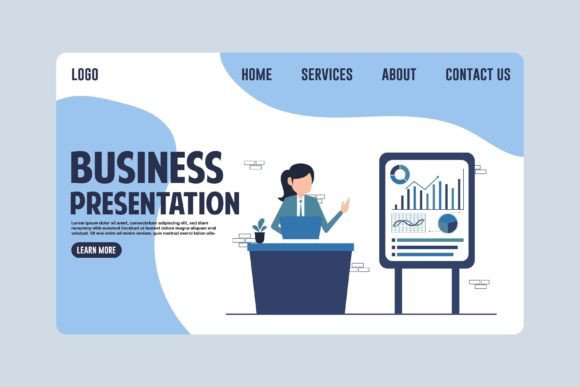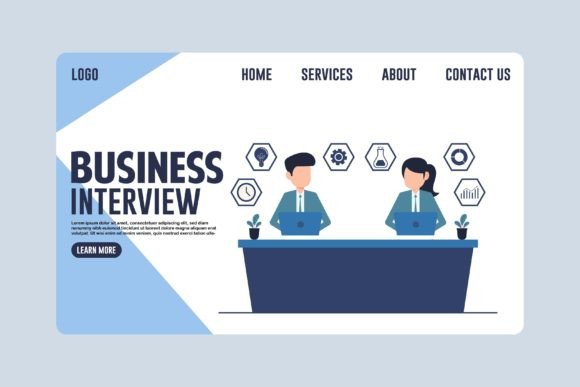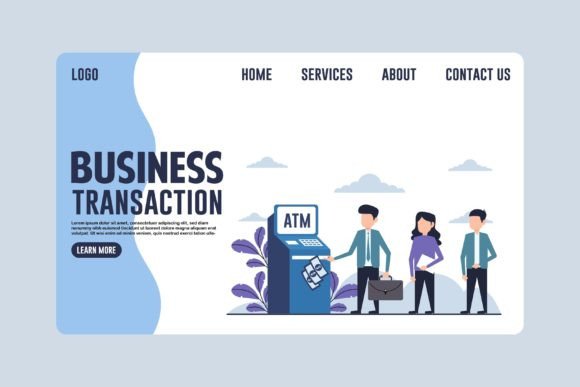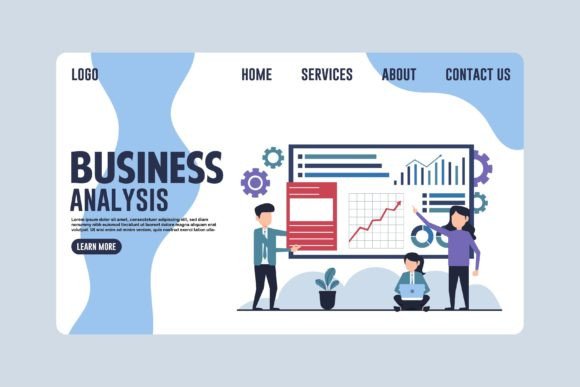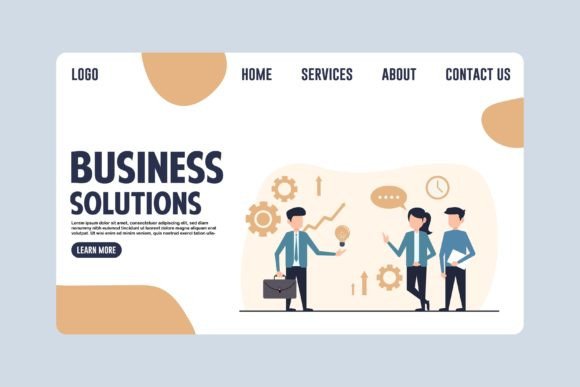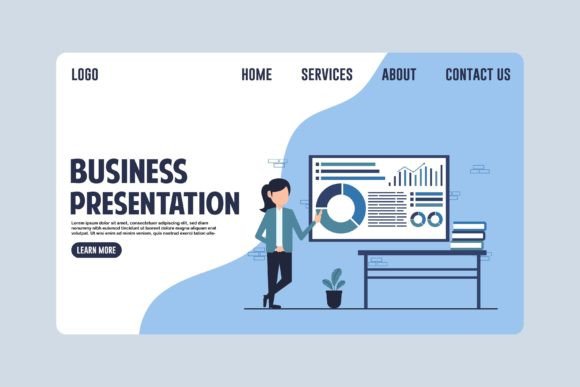
Business Presentation Landing Page Design Evaluation
In the digital landscape, a Business Presentation Landing Page serves as a critical touchpoint for communicating value propositions, introducing products, or driving specific user actions. Unlike general website homepages that offer broad navigation, a landing page is engineered with a singular focus. When evaluating design resources for such pages, professionals often encounter templates defined by their technical construction. A prominent category of these resources emphasizes 100% vector-based elements. Understanding the implications of this format is essential for designers and project managers deciding whether to integrate these assets into their workflow.
Defining the Vector-Based Landing Page Asset
A Business Presentation Landing Page built on vector graphics differs fundamentally from those relying solely on raster images. Raster images, such as standard JPEGs or PNGs, are composed of a fixed grid of pixels. In contrast, vector graphics utilize mathematical equations to define shapes, lines, and colors. This distinction allows every element within the design template to be scaled infinitely without degradation in quality. When a resource states that all elements are 100% vector, it implies that the visual components can be manipulated—transformed, resized, or recolored—while maintaining crisp edges and sharp details at any resolution.
This technical characteristic is particularly relevant for modern web design, where content must render flawlessly across a diverse array of devices, from high-density mobile screens to large desktop monitors. The inclusion of high-resolution JPG previews alongside the source files offers a quick way to visualize the final output, but the true utility lies in the editable EPS (Encapsulated PostScript) source files. These files allow users to open the design in vector graphics software, dissect individual components, and adapt them to specific branding requirements without losing fidelity.
Reasons for Interest in Editable Vector Templates
Designers and business owners may find themselves interested in this specific type of asset for several practical reasons. First, the flexibility of vector files supports rapid iteration. In a fast-paced business environment, marketing materials often require adjustments based on feedback or changing campaign goals. With a 100% vector template, a designer can easily remove an icon, add new text, or shift color palettes to match brand guidelines instantly. There is no need to recreate graphics from scratch or worry about pixelation when enlarging a hero image for a billboard versus shrinking it for a mobile banner.
Second, the versatility of these assets extends beyond a single use case. A single Business Presentation Landing Page template can often be repurposed for various collateral. The same vector elements used for a web graphic can be adapted for infographics, presentation slides, or print banners. This multi-functionality can streamline production workflows, allowing teams to maintain visual consistency across different channels while reducing the time spent sourcing disparate assets.
Benefits and Technical Advantages
The primary benefit of utilizing a 100% vector design template is scalability. Whether the design needs to be transformed to fit a small mobile web layout or scaled up for a large-format hero image, the mathematical nature of vectors ensures the output remains sharp. This eliminates the common issue of blurry or jagged edges associated with stretching raster images. Furthermore, the ability to recolor elements without quality loss provides significant creative freedom. Brands can customize illustrations to align perfectly with their identity systems, ensuring that the visual language of the landing page reinforces trust and recognition.
Another advantage is file management. While the package includes high-resolution JPGs for immediate preview or use in non-editable contexts, the core value resides in the EPS source files. These files contain the structural data of the design, allowing for granular control over layers, paths, and typography. For projects requiring multiple variations, having access to these sources means that a team can generate dozens of unique layouts from a single master template efficiently.
Tradeoffs and Considerations
Despite the clear advantages, there are tradeoffs to consider before committing to a vector-based approach. The most significant factor is the requirement for specialized software. To fully exploit the benefits of editing vector files, one must have access to professional vector graphics software capable of opening EPS formats. This creates a barrier to entry for individuals who rely exclusively on basic image editors or drag-and-drop website builders that do not support native vector editing. Without the appropriate tools, the "editable" promise of the template cannot be realized, rendering the source files less useful than a simple raster image.
Additionally, the learning curve associated with vector manipulation can be steep for non-designers. Transforming, scaling, and restructuring complex vector art requires a foundational understanding of design principles and software interfaces. If a project team lacks this expertise, they may struggle to modify the template effectively, potentially leading to a disjointed final product. In such cases, the time invested in learning the software or hiring a specialist might offset the initial savings gained from purchasing a template.
Situations Where Vector Templates Are a Strong Fit
A Business Presentation Landing Page template with 100% vector elements is an ideal choice for organizations with established brand guidelines that require precise customization. Companies that frequently update their marketing campaigns will benefit from the ability to quickly swap out imagery and text while maintaining high visual standards. It is also a strong fit for agencies managing multiple clients, as the ability to recolor and restructure elements allows for efficient white-labeling of designs.
Furthermore, this format is essential for projects that span both digital and physical media. If a landing page design needs to be translated into print brochures, trade show banners, or large outdoor displays, the scalability of vector graphics ensures that the visual impact remains consistent regardless of the medium. For infographics and data-heavy presentations, where clarity and legibility are paramount, the precision of vector lines and shapes is superior to raster alternatives.
When Alternatives May Be Worth Considering
There are scenarios where a fully editable vector template may not be the most efficient solution. If the project has a strict deadline and the team lacks proficiency in vector software, a pre-composed raster image or a template designed for a specific website builder might be more practical. In situations where the design does not require extensive modification, the overhead of downloading and managing large EPS files could be unnecessary. Additionally, if the end goal is strictly a static web display with no need for future resizing or adaptation, high-quality raster images might suffice and could be easier to implement directly into a CMS.
Another consideration is the complexity of the design itself. Some vector templates are overly intricate, containing hundreds of layers and paths that can slow down browser performance if not optimized correctly for web use. In cases where speed and lightweight code are the primary objectives, a simplified design or a custom-coded illustration might outperform a heavy vector file that has not been properly converted to SVG or other web-friendly formats.
Practical Decision-Making Insights
To determine if a 100% vector Business Presentation Landing Page aligns with your goals, evaluate your current technical capabilities and long-term content strategy. Ask whether your team possesses the necessary software and skills to edit EPS files. If the answer is yes, the investment in a vector template offers long-term value through adaptability and reuse. However, if the project is a one-off with limited scope, the cost-benefit ratio may favor simpler, ready-to-use assets.
Consider the lifecycle of the design. Will this landing page need to evolve? Will it be repurposed for other marketing channels? If the answer is affirmative, the flexibility of vector graphics provides a strategic advantage. Conversely, if the design is static and intended for a short-term campaign, the additional effort required to manage vector files may not yield proportional returns. Ultimately, the decision should balance the desire for customization against the available resources and technical expertise of the execution team.
By weighing these factors, stakeholders can make informed choices about design resources. A Business Presentation Landing Page is more than just a visual component; it is a functional tool for communication. Selecting the right format ensures that the message is delivered clearly, consistently, and effectively across all intended platforms.